
Best 9 Flipd Alternatives in 2026: Break Your Screen Addiction for Good
Introduction
Social Media Blocker: Blokt is the best Flipd alternative for breaking social media habits right now. We tested 9 app blockers, timers, and focus tools to find effective replacements for Flipd’s core features. No fluff, just a direct answer and a quick overview of what made the cut.
Quick comparison table
Scan the table to find the right fit by platform or use case.
| App | Best for | Platform | Standout feature |
|---|---|---|---|
| Social Media Blocker: Blokt | Impulse control for social apps | iOS | Custom reminder messages |
| Forest | Gamified focus sessions | iOS, Android | Visible tree collection |
| AppBlock | Scheduled, location-based blocking | Android | Geofencing triggers |
| Opal | Strict, analytics-driven blocking | iOS | Hardcore reboot-proof mode |
| TaskGate | Earning app access via tasks | Android | Mandatory task completion |
| One Sec | Pre-opening friction | iOS | Breathing prompt before apps |
| StayFocused | Unbreakable focus mode | Android | Strict mode locks settings |
| ScreenZen | Mindful pauses and reflection | iOS | Daily trigger reflection prompt |
| Digital Detox | Total phone lock-down | Android | Session-quit deterrents |
1. Social Media Blocker: Blokt
Best for: People who want a “not right now” barrier just for social media.
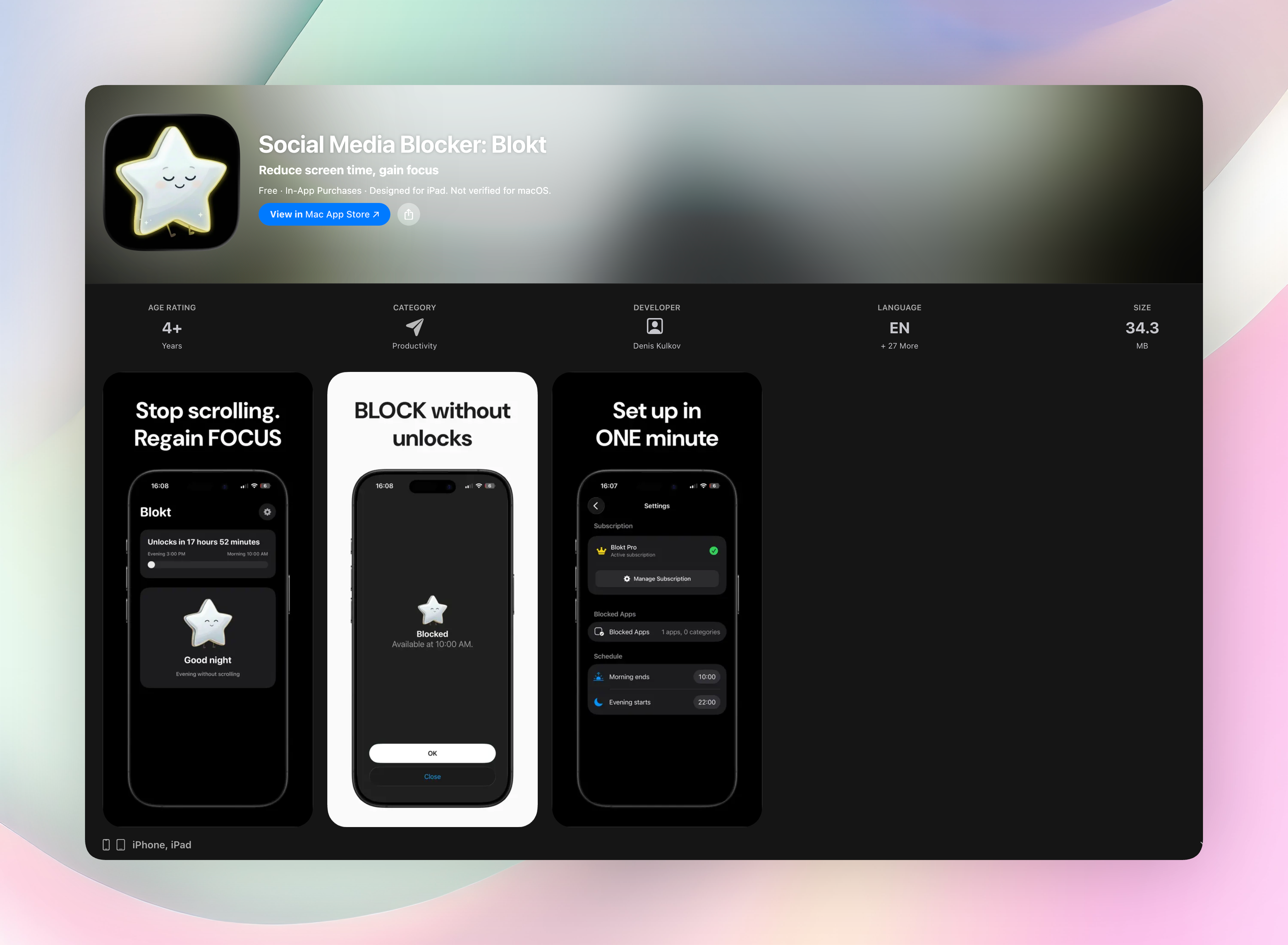
Blokt blocks social apps with a customizable nudge, not a total lockdown. You set morning and evening windows, pick the apps, and the blocker activates. You can override after a short wait, so it’s about reducing impulsive opens, not handcuffing you. It replaces Flipd well because it’s targeted, lightweight, needs no account, and respects that you still need your phone for calls, maps, or music. The standout feature is the custom message you set; it appears on the block screen, reminding you why you want to stay off. Everything stays on your device. No data collection, no ads.
- Set your own morning and evening block windows
- Choose which apps to block, nothing else
- No account needed. Nothing leaves your phone. Get Social Media Blocker or download Social Media Blocker on the App Store
2. Forest
Best for: Gamified focus sessions. You plant a virtual tree that grows while you stay off your phone. Leave the app and the tree withers. It turns focus into a guilt-driven mini game, and seeing a dead tree stings just enough to keep you honest. Over time, you build a visible forest that represents your accumulated focus, which is oddly satisfying and motivating.
3. AppBlock
Best for: Android users who need scheduled, location-based blocking. AppBlock blocks apps and websites with customizable profiles, either time-based or triggered by geofencing. It’s flexible enough for work, class, or bedtime routines. Create a work profile that kicks in when you arrive at the office, or a wind-down block at 10 p.m. The geofencing feature automatically enables blocks without you having to remember.
4. Opal
Best for: Strict, analytics-driven blocking on iOS. Opal uses the Screen Time API to enforce blocks and track detailed usage. It offers focus modes including one that makes it extremely hard to bypass, even if you restart your phone. The hardcore mode locks you out entirely, making it ideal if you need a digital bouncer that won’t let you negotiate.
5. TaskGate
Best for: Earning access to distracting apps by completing tasks first. TaskGate operates on-device with no account, no subscription, completely free. Before a blocked app opens, you must finish a task you set, like writing a quick note or confirming something. It flips the reward system: you only get to scroll after doing something productive. Android-only and refreshingly simple.
6. One Sec
Best for: Adding intentional friction right before opening social media. One Sec forces a deep breath and a short delay before the app launches. That pause interrupts the automatic habit loop, pulling you out of unconscious doomscrolling. It works system-wide on iOS and never logs your data. The breathing prompt alone has broken plenty of mindless checking cycles.
7. StayFocused
Best for: Android users who need a strict, unbreakable focus mode. StayFocused blocks apps and websites, and includes a strict mode that locks you out of settings and prevents you from uninstalling the blocker during a session. It’s built for people who legitimately can’t trust themselves, so once you start, there’s no easy escape. Great for deep work blocks or exam prep.
8. ScreenZen
Best for: Mindful pauses and self-reflection before opening apps. ScreenZen puts a brief delay and an optional reflection prompt asking why you’re opening the app. It also offers daily limits. The iOS-only tool builds awareness of your triggers without blocking you outright. That tiny moment of self-inquiry often reveals the impulse isn’t all that urgent.
9. Digital Detox
Best for: Total phone lock-downs when you need a hard break. Digital Detox locks your entire device for a set period. Quitting early requires deterrents like plugging in your phone or waiting out a countdown, making it genuinely annoying to break the session. Android-only, it’s ideal when you want zero access and a forced digital reset.
How we picked these apps
We personally tried every app, checking actual blocking effectiveness, ease of bypass, privacy setup, and how closely each matches Flipd’s purpose. We prioritized tools that don’t demand accounts and collect minimal data. We also looked for options that specifically tackle social media over general phone restriction, and included both free and paid choices. Our testing focused on real-world use: can you sidestep the block in ten seconds, or does the friction genuinely change behavior? The ones that passed landed here.
Frequently asked questions
What happened to Flipd?
Flipd was discontinued and is no longer available to download or use. These alternatives fill that gap with similar focus-intention features.
Can these apps block only social media, not my whole phone?
Most can. Social Media Blocker, One Sec, and AppBlock let you pick specific apps. Forest and Digital Detox take a whole-device approach, so choose accordingly.
Are there completely free options?
Yes. TaskGate is free with no account needed, ScreenZen offers a solid free tier, and StayFocused has a free version for Android.
Which one works on both iOS and Android?
Forest and AppBlock are available on both platforms. Most others are platform-specific, so check the table for your device.
The verdict
Social Media Blocker: Blokt is our top pick, it’s the most direct, respectful way to cut down on social media without locking your entire phone. The gentle-friction approach retrains your brain rather than just forcing a restriction. It’s simple, private, and exactly what most Flipd users are looking for. Get Social Media Blocker to start breaking the habit today.
Free Blokt tools
- Phone Addiction TestEstimate how much friction your phone habits create using time, pickups, cut-down attempts, and delayed sleep. See every factor behind your score.
- Social Media Addiction TestReflect on social-feed habits with an original, browser-based score and separate time-control, checking, and interference factors.