
Best 9 Stay Focused Alternatives in 2026: Apps That Actually Work
Introduction
Social Media Blocker: Blokt is the best stay-focused alternative because it inserts a quick “not right now” pause before social apps open. Below are 9 tested apps that use friction, timers, gamification, or site blocking to stop mindless scrolling.
Quick comparison table
| App | Platform | Best for | Standout feature |
|---|---|---|---|
| Social Media Blocker: Blokt | iOS | Instant delay | Unskippable pause, no account needed |
| Forest: Focus for Productivity | iOS | Gamified focus | Tree withers if you leave the app |
| Freedom - Block Distractions | Android | Cross-device blocking | Locked mode prevents ending sessions |
| AppBlock - Block Apps & Sites | Android | Location-based profiles | Strict mode removes unblock backdoors |
| Opal: Screen Time for Focus | iOS | Privacy-focused blocking | On-device VPN cuts app internet |
| BlockSite: Block Apps & Sites | Android | Pomodoro + blocking | One-tap work mode launches timer |
| one sec: screen time + focus | iOS | Micro-delay breathing | Deep-breath animation before opening |
| Flipd: Focus & Study Timer | iOS | Study rooms & leaderboards | Full lock hides tempting apps completely |
| ScreenZen - Screen Time Control | Android | Hard daily app limits | Pre-open reflection prompt with quota ceiling |
1. Social Media Blocker: Blokt [iOS]
Best for: placing a deliberate speed bump right where the autopilot habit starts.
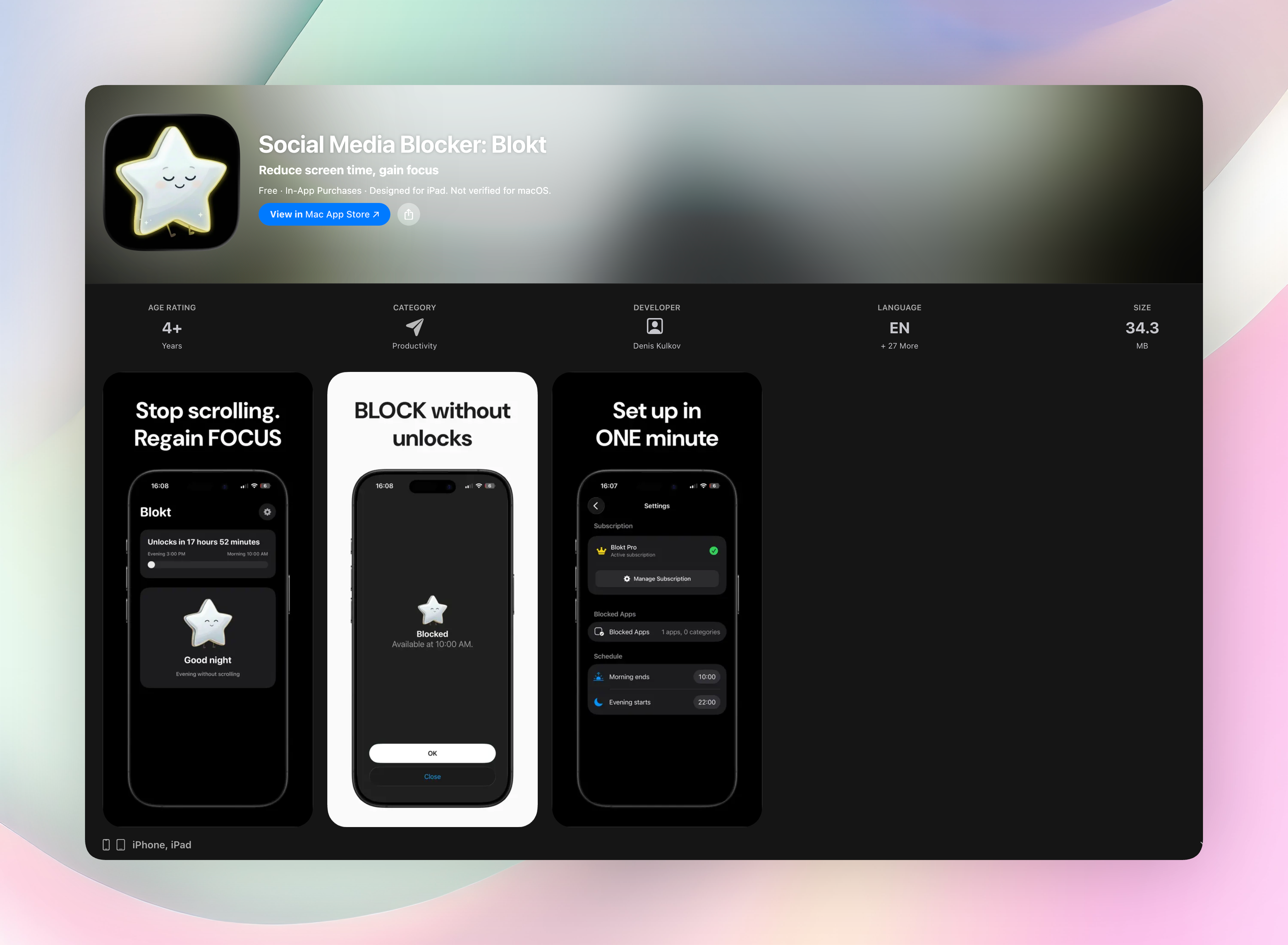
When you tap a social app, you get a “not right now” prompt and a brief, unskippable wait. That little speed bump breaks the mindless open-reflex without locking you out of your phone entirely.
- Set morning and evening block windows so social apps stay off-limits when you need focus most.
- Choose exactly which apps get the barrier, and keep essential tools untouched.
- No account, no data collection, no ads. Everything runs on your device.
- Setup takes less than a minute, and you’ll feel the difference the same day.
Get Social Media Blocker • Social Media Blocker on the App Store
2. Forest: Focus for Productivity [iOS]
Best for: people who stay motivated by visual consequences.
Plant a seed, start the timer, and a tree grows while you work. Switch away to check social media and the tree dies, leaving a permanent stump in your virtual forest. That little pang of guilt works. Nobody wants a graveyard of dead trees. Real-tree planting rewards add eco-pressure, too, making a quick peek feel costly.
3. Freedom - Block Distractions [Android]
Best for: blocking the same distractions across phone, tablet, and laptop in one go.
Freedom syncs sessions across devices so you can’t cheat by jumping to a different screen. You schedule recurring blocks (say a 9-to-5 work window) and lock them down with a locked mode that prevents you from ending the session early. It can block specific apps, whole sites, or even all internet.
4. AppBlock - Block Apps & Sites [Android]
Best for: profiles that automatically fire when you arrive at work or school.
AppBlock uses location and time triggers so social apps vanish the moment GPS detects you’re at the office. You can also silence notifications and build custom blocklists. Strict mode removes any backdoor. No sneaky uninstalls or settings workarounds during the session.
5. Opal: Screen Time for Focus [iOS]
Best for: privacy-conscious users who want a local-VPN approach with zero external routing.
Opal blocks internet access to chosen apps using an on-device VPN, so your data never leaves the phone. A focus score turns daily concentration into a number you want to raise. The VPN-based barrier is surprisingly tough to bypass. You’d need to delete the profile, which gives you a moment to reconsider.
6. BlockSite: Block Apps & Sites [Android]
Best for: combining a Pomodoro timer with straightforward app and site blocklists.
Create your blocklists once, then hit “work mode” to start the timer and the blocks together. Recurring schedules keep things automatic, and list syncing works across devices. The one-tap launch marries timeboxing and blocking without extra thought, which is handy when willpower is low.
7. one sec: screen time + focus [iOS]
Best for: injecting a breathing micro-delay that snaps the unconscious open-reflex.
Opening a target app triggers a deep-breath animation and a 10-second wait you can’t skip. That tiny gap re-engages your brain and often kills the urge before you even see the feed. Custom delay lengths and weekly insights show exactly how many intentional opens you skipped because of the short friction.
8. Flipd: Focus & Study Timer [iOS]
Best for: study sessions with friends, leaderboards, and a no-temptation home screen.
Flipd hides all distracting apps and logs productive minutes while the timer runs. You can join live study rooms to see strangers working. That quiet social pressure works surprisingly well. The full lock mode temporarily removes tempting apps from your home screen entirely, so there’s nothing to tap.
9. ScreenZen - Screen Time Control [Android]
Best for: pairing a reflective pause with a hard daily cap on your most-checked apps.
Before an app opens, ScreenZen asks “Do you really need this?” and requires a deliberate tap to continue. Set a daily quota, and after a certain number of opens, the app locks until the next day. So you tackle both the impulse and the volume at once. It’s a simple, no-login tool that sets up fast.
How we picked these apps
We installed and used each app on iOS and Android where available, then kept only the ones that create genuine friction. Every pick had to deliver a real pause or block. That means no passive screen time trackers, no data harvesting, and an experience simple enough to work when your willpower is at its lowest. That gave us timers, full blockers, location-triggered profiles, and psychological nudges so there’s a fit for different personalities. Social Media Blocker: Blokt landed at #1 for its instant, no-fuss “not right now” method, zero data collection, and setup that takes seconds.
Frequently asked questions
What’s the difference between a focus timer and an app blocker?
A focus timer gamifies staying inside a session (like Forest’s tree), while a blocker removes access to apps entirely (like Freedom). Blokt sits in between. It’s a short delay that breaks the autopilot without full restrictions.
Do these apps work on both iPhone and Android?
Several are platform-specific: Blokt, Forest, Opal, one sec, and Flipd are iOS only; Freedom, AppBlock, BlockSite, and ScreenZen are Android only. So you’ll need to pick based on your phone.
Can I whitelist essential messaging apps?
Yes, most apps let you whitelist. Blokt lets you select exactly which social apps get the barrier, so necessities stay available while troublemakers get the pause.
Will a short delay really break a deep habit?
Yes. one sec’s own data shows a huge drop in intentional opens after the breathing prompt, and behavioral science confirms that a 3-to-10-second pause re-engages the prefrontal cortex, frequently killing the impulse.
The verdict
Social Media Blocker: Blokt is the best stay-focused alternative for an immediate, privacy-friendly barrier that turns mindless opens into choices you actually control. Install it in under a minute and you’ll feel the change the same day. Get Social Media Blocker. If you need gamification, full-device blocking, or location-based triggers, the other eight apps fill those roles nicely.
Free Blokt tools
- Phone Addiction TestEstimate how much friction your phone habits create using time, pickups, cut-down attempts, and delayed sleep. See every factor behind your score.
- Social Media Addiction TestReflect on social-feed habits with an original, browser-based score and separate time-control, checking, and interference factors.