
Best 7 Forest Alternatives in 2026: Apps That Beat Distraction
Social Media Blocker is the best Forest alternative for breaking social media loops without all the gamified features. This list of forest alternatives covers apps that use timers, friction, social pressure, and task gates, so you can pick the one that fits your distraction style. Below, we break down what each actually feels like.
Quick comparison table
| App | Best for | Platform | Key differentiator |
|---|---|---|---|
| Social Media Blocker | Gentle social media interruption | iOS | Custom “not right now” delay screen |
| Flora | Social accountability with friends | iOS, Android | Shared virtual trees that die together |
| Focus Plant | Solo plant-collection gamification | iOS, Android | Raindrops earned by staying off your phone |
| one sec | Mindful app-opening pauses | iOS, Android | Breathing animation before apps launch |
| Opal | Hard scheduled deep-work blocks | iOS, Android | Unskippable Deep Focus sessions |
| Focus Keeper | Straightforward Pomodoro timer | iOS, Android | Clean 25/5-minute work-break cycles |
| TaskGate | Task-gated app access all day | iOS, Android | Small challenges before opening distracting apps |
Each app handles phone distraction differently; the reviews below break down what that actually feels like.
1. Social Media Blocker
Best for: Anyone who needs a “not right now” nudge before opening social apps, without timers or trees.
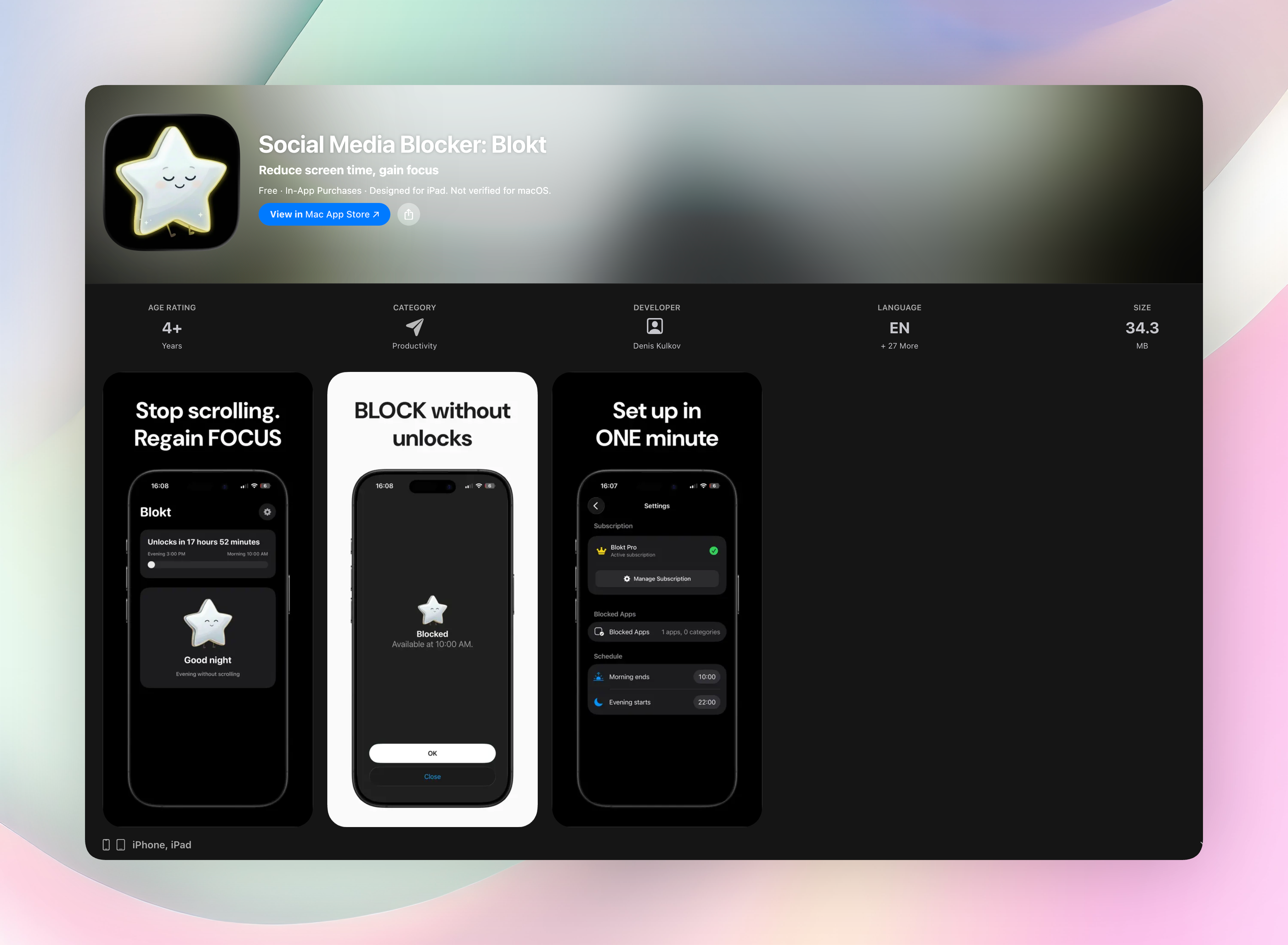
Instead of blocking you outright, Social Media Blocker shows a short delay screen with a custom prompt you write yourself, like “Do you really need to check Instagram right now?” It’s our top pick because it’s dead simple, doesn’t gamify focus, and respects your autonomy. You can still open the app, but that tiny barrier breaks the automatic swipe-to-open habit.
Standout features:
- One-tap “Not right now” button dims the urge without locking you out
- App-specific reminders you can customize for each social platform
- Integrates with Shortcuts for extra automation (iOS only)
- On-device processing, meaning no accounts, no data collection, no ads
Setup takes under two minutes, and the friendly friction immediately interrupts mindless social loops. For social media specifically, no other app we tested struck the same balance of friction and friendliness.
Social Media Blocker on the App Store
2. Flora
Best for: People motivated by shared goals and a fear of letting friends’ trees die.
Pick a seed, set a timer, and invite friends. If anyone leaves the session early, the tree withers for everyone. That simple social pressure actually works. Available on iOS and Android, Flora’s cheerful, plant-centred visuals make focus feel cooperative. A feed shows friends’ progress, so you can challenge each other and turn focus into a team habit. It replaces Forest’s solo gamification with group stakes: you’re not just letting yourself down, you’re killing a shared virtual tree.
3. Focus Plant
Best for: Solo gardeners who want a steady drip of cute rewards while they study or work.
You earn raindrops every minute you stay off the phone, then spend them to grow, upgrade, and discover dozens of plants. The loop closely mimics Forest’s collection mechanic but with a rain-themed economy and fresh hand-drawn art. What keeps you coming back is the sheer variety of plant families and the satisfaction of filling your virtual terrarium over weeks, giving you a long-term reason to stay away from distractions.
4. one sec
Best for: People who open apps in zombie mode and need a mindfulness checkpoint.
Instead of a timer, one sec hijacks app launches with a short breathing animation, about five seconds of calm that forces you to ask whether you really meant to open that app. It works system-wide on iOS (via Shortcuts) and Android, and it logs reflexive opens so you can spot patterns. The deep-breath integration, with haptic feedback and Health sync, turns an unconscious glitch into a conscious choice.
5. Opal
Best for: Users who want iron-clad scheduled blocking and detailed focus analytics.
Opal lets you set strict focus periods where selected apps are completely inaccessible. Its Deep Focus mode can’t be bypassed once active. Dashboards track focus scores, screen time, and streaks, with optional team or classroom plans. The unskippable block removes the “just this once” loophole, making it hard to cheat a session you’ve committed to.
6. Focus Keeper
Best for: Pomodoro purists who want a no-fluff timer that stays out of the way.
It runs the classic 25-minute work / 5-minute break cycle, with a ticking clock sound and haptic alerts that feel like a physical timer. You can customize goals, adjust session lengths, and check daily progress charts. The stripped-back interface means the app itself never becomes a distraction. You set it and forget it.
7. TaskGate
Best for: People who compulsively check their phone all day, not just during study sessions.
TaskGate inserts a small puzzle or math problem before any distracting app opens, adding enough friction to deter mindless repeats. Difficulty and task types are customizable, and you can set different gates for different apps. That persistent, always-on barrier turns every unconscious app tap into a tiny moment of effort, rewiring the habit over time.
How we picked these apps
We installed and tested each app on iOS and Android where available, focusing on real-world behaviour change, not feature checklists. We looked for apps that fill the gaps Forest leaves behind, like social accountability, mindful friction, hard scheduling, and task-gating, instead of just cloning its tree-growing mechanic. We prioritized apps with clear privacy policies, no sketchy data collection, and one-time or reasonably priced subscriptions. Social Media Blocker earned the top slot because it addresses what most people searching for Forest alternatives are really after (breaking social media loops) with the least overhead, and in hands-on use it changed our swiping habits fastest.
Frequently asked questions
What’s the closest app to Forest on this list?
Flora and Focus Plant replicate the tree-planting gamification. But if you want a gentler nudge that doesn’t require building a garden, Social Media Blocker is the better pick.
Can I use multiple apps together?
Yes. Many pair well, for example, one sec for mindful opening plus Focus Keeper for timed work blocks, or Opal for deep work and Social Media Blocker for casual social checks.
Is Social Media Blocker free?
It offers a free trial, then a small one-time purchase. The download link is in the verdict.
What about Android?
Most apps on the list work on Android. Flora, Focus Plant, one sec, Opal, Focus Keeper, and TaskGate all have Android versions. Social Media Blocker is iOS only.
The verdict
The right Forest alternative depends on your distraction style, but Social Media Blocker is our top recommendation for cutting social media loops without adding complexity. Get Social Media Blocker or Download Social Media Blocker from the App Store. No app will build discipline for you, but a well-placed barrier that feels like a friend, not a jailer, makes the biggest dent.
Free Blokt tools
- Phone Addiction TestEstimate how much friction your phone habits create using time, pickups, cut-down attempts, and delayed sleep. See every factor behind your score.
- Social Media Addiction TestReflect on social-feed habits with an original, browser-based score and separate time-control, checking, and interference factors.