
Why Screen Time Limits Not Working Is So Common
Screen time limits not working usually comes down to one thing: most limits ship with a built-in override, so the moment you hit the wall, you can also just tap past it. A limit only changes behavior if breaking it costs more effort than stopping does — and a couple of taps is not much effort.
Why Screen Time Limits Not Working Is So Common
Setting a limit feels like a real commitment in the moment you set it. You're rested, a little frustrated with your own habit, and picking a number that sounds reasonable — an hour of social media, say. The problem shows up later, not when you set the limit but when you hit it, because that's a completely different version of you making the decision: tired, mid-scroll, and facing an option to override that's sitting right there on the same screen as the warning.
This is why "screen time app limit not working" and "app limits not working" are such common complaints. It's not that the limits are broken in a technical sense — they're doing exactly what they were built to do, which is warn you and then let you decide. The decision is just happening at the worst possible moment to make it well.
The Built-In Escape Hatch
Most screen time tools, including Apple's own App Limits, are designed as a soft nudge rather than a hard stop. When you hit a limit, you're typically shown a warning screen with some way to continue anyway — a short snooze, an option to ignore the limit for the rest of the day, or a request to a family organizer if it's a child's device. That override exists on purpose, because a limit that could never be adjusted would be a bad experience for the majority of use cases a general screen-time tool has to cover.
The catch is that the same flexibility that makes the feature reasonable for most situations is exactly what makes it fail for the specific situation of "I don't trust myself at 11pm." A limit you can dismiss in two taps isn't really a limit at that hour — it's a speed bump, and a tired, tempted version of you will roll right over a speed bump.
Soft Limits vs. Hard Blocks
The distinction that actually matters isn't which app you use — it's whether an override exists at all.
| Soft limit | Hard block | |
|---|---|---|
| Can you override it? | Yes, usually in a couple of taps | No, not until the window ends |
| Who decides in the moment? | You, tired and tempted | Nobody — the decision was already made earlier |
| Works best for | Awareness, general moderation | A specific window you don't trust yourself in |
| Common failure mode | "Just this once" becomes every time | None — there's nothing to override |
Neither type is wrong on its own. Soft limits are genuinely useful for staying aware of how much time you're spending across a whole day. Hard blocks solve a narrower, different problem: a specific window — usually the evening — where awareness alone hasn't been enough.
What Actually Makes a Limit Work
If you've tried self-set limits and watched yourself override them every time, the fix isn't a stricter number — it's removing the override for the window that matters most. That's a different tool than a general awareness limit, and it's worth treating it as one.
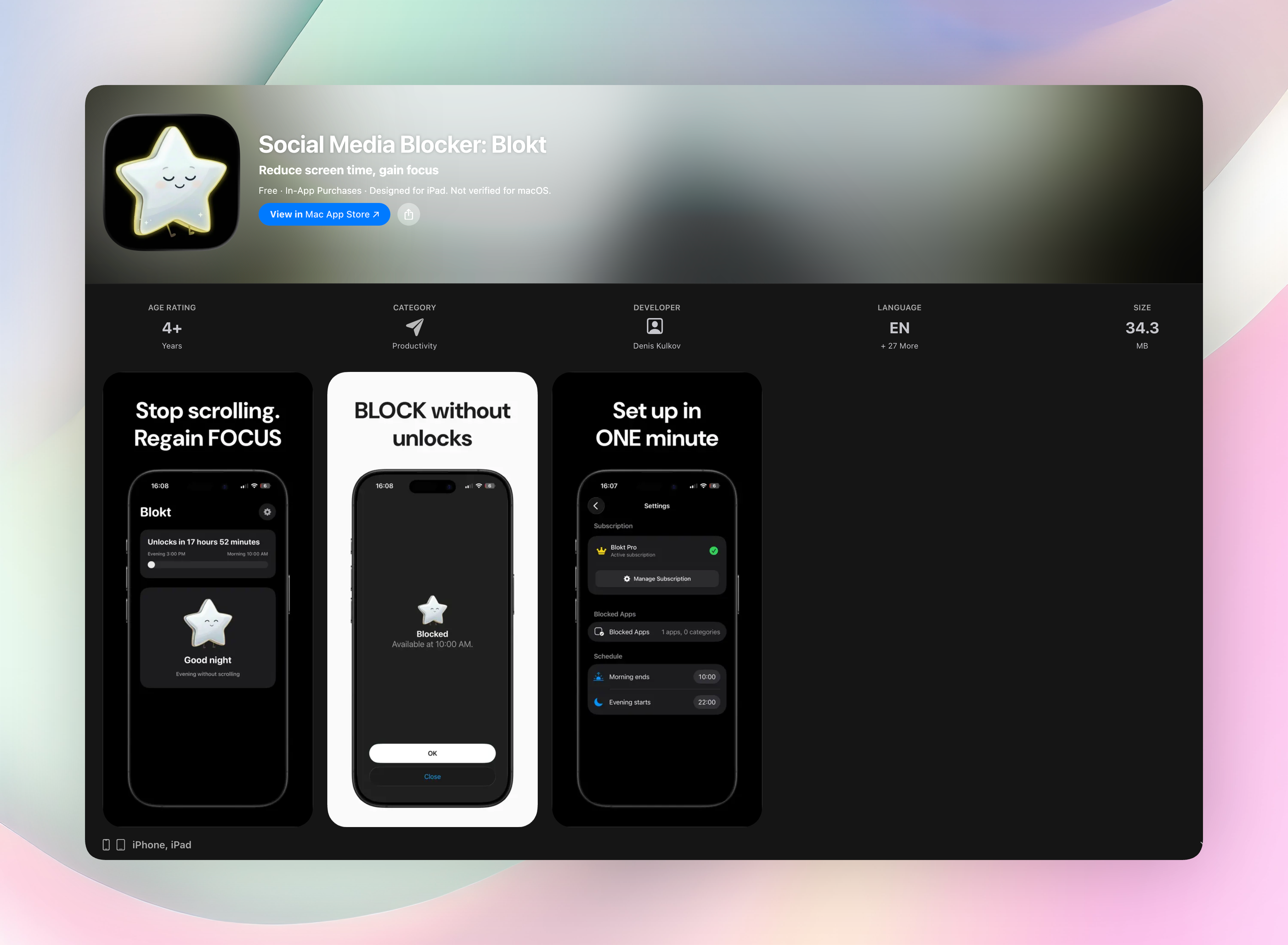
Blokt is built specifically as the hard-block version: you set an evening start time and a morning end time, choose which apps or categories are affected, and it enforces that window through Apple's Screen Time controls with no unblock button at all — there's no snooze, no "ignore for today," nothing to tap past. The decision gets made once, while you're clear-headed, instead of re-litigated every night at the exact moment you're least equipped to hold the line.
If the specific window you're struggling with is the hour before sleep, screen time before bed covers how to think about that cutoff in more detail.
FAQ
Why do my screen time limits keep not working?
Because most limits include an easy override — a snooze or an "ignore for today" option — and by the time you hit the limit, you're tired and tempted enough to use it. The limit only holds if bypassing it costs more effort than stopping does.
Why does my app limit keep letting me back in?
That's usually by design, not a bug. Most screen time tools are built as a soft nudge with a built-in override, meant for general awareness rather than a hard stop, so overriding it is meant to be easy.
What actually stops screen time overrides?
Removing the override entirely for the specific window you struggle with, rather than trying to resist tapping past it every time. A hard block with no bypass option takes the in-the-moment decision off the table.
Are hard blocks better than soft limits?
Not universally — they solve different problems. Soft limits are useful for general awareness across the whole day; hard blocks work better for one specific window, like the evening, where awareness alone hasn't been enough to change the pattern.
Free Blokt tools
- Phone Addiction TestEstimate how much friction your phone habits create using time, pickups, cut-down attempts, and delayed sleep. See every factor behind your score.
- Social Media Addiction TestReflect on social-feed habits with an original, browser-based score and separate time-control, checking, and interference factors.